Scripts forRoblox
Find a script for your game. Compare features, read the Lua code and download the file.

Choose your game


Latest scripts
The newest additions, with original Lua code.
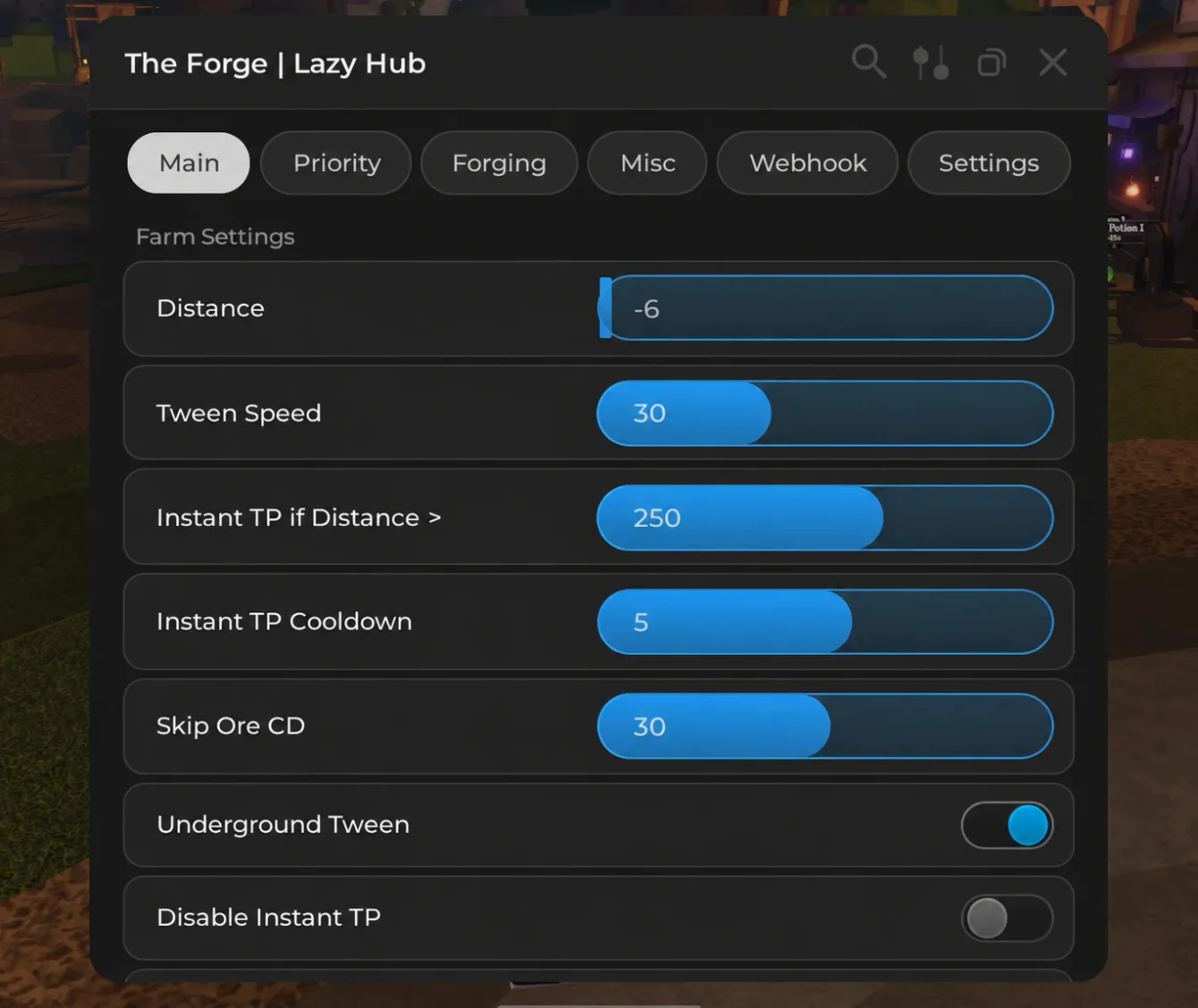
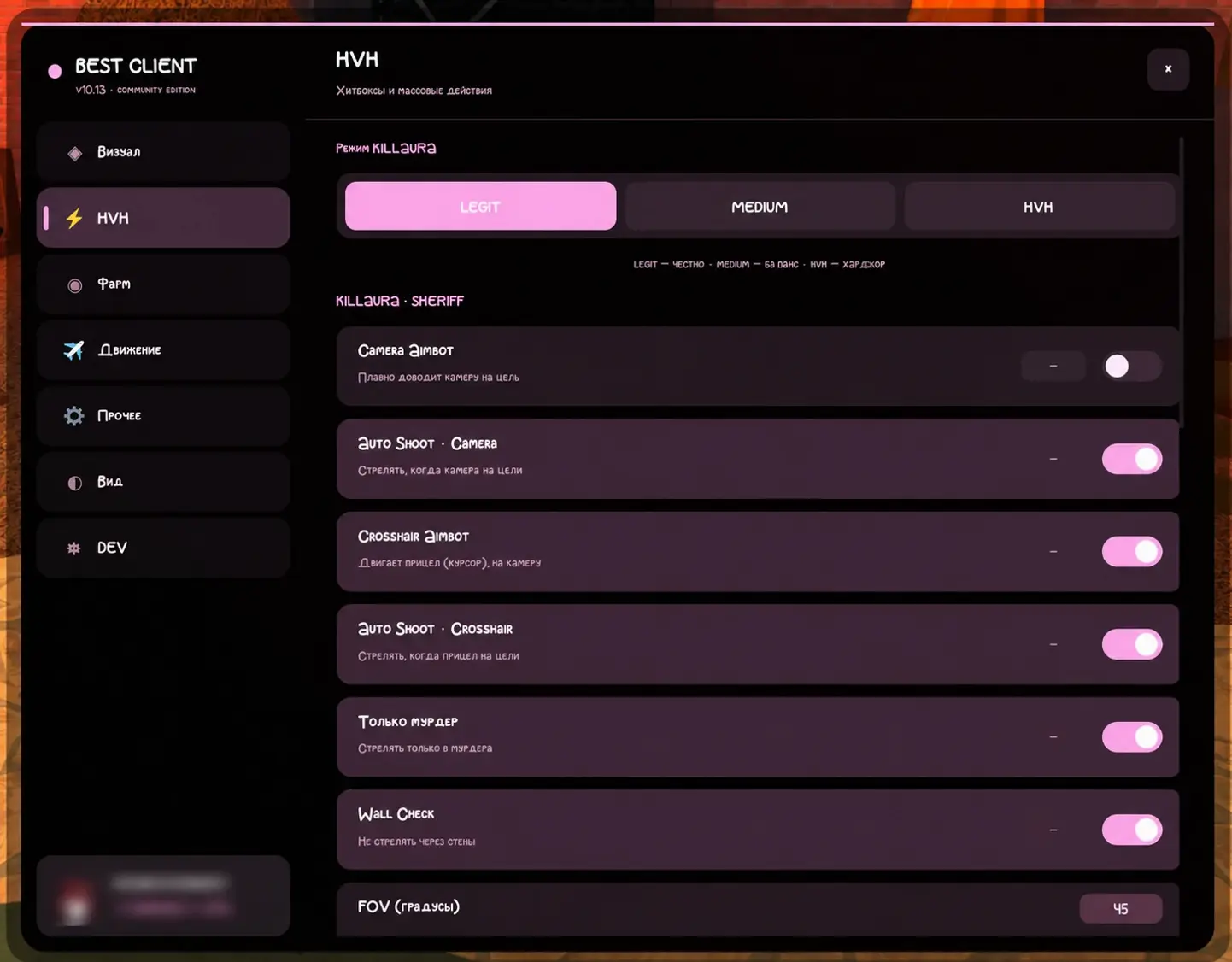
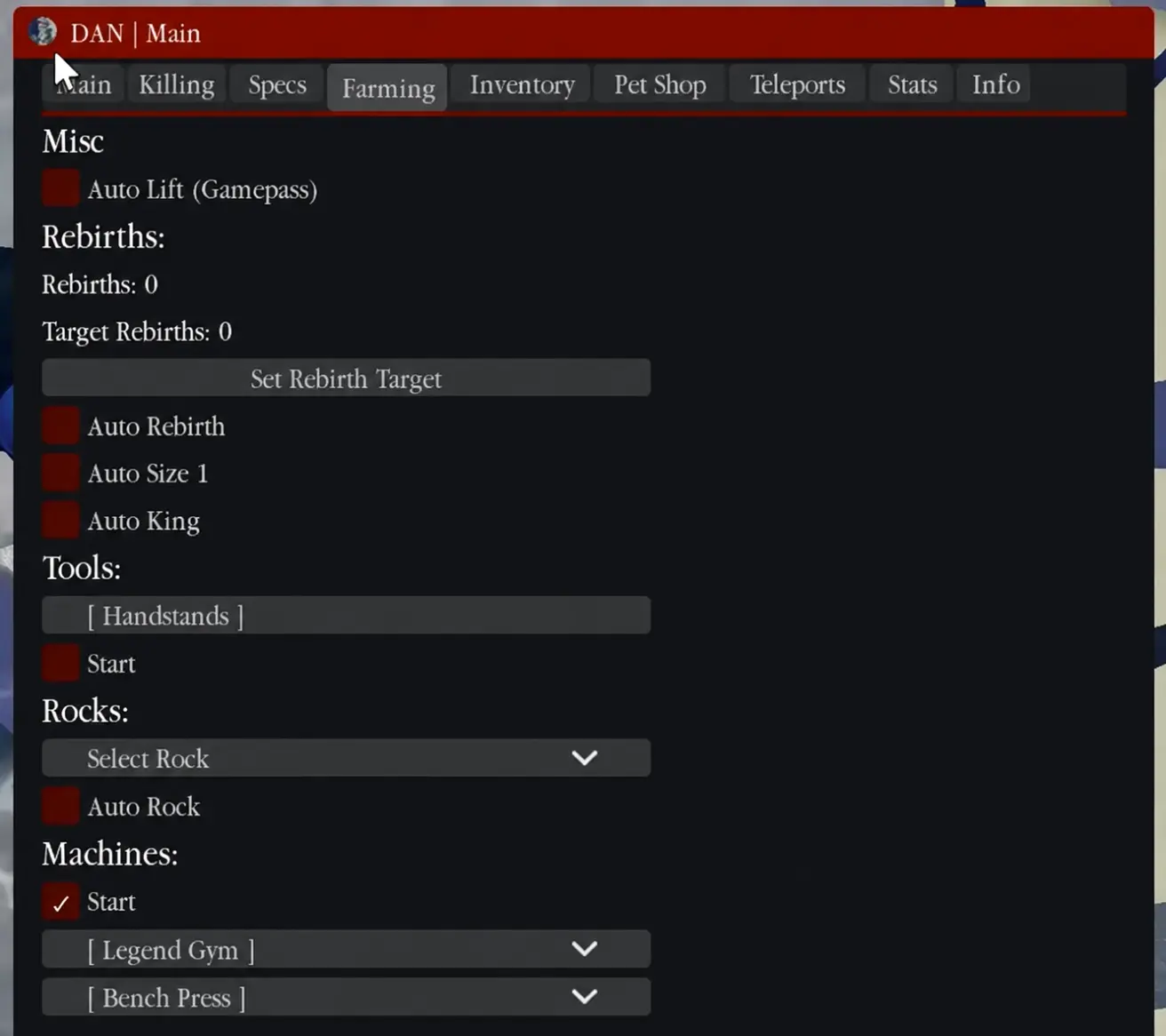
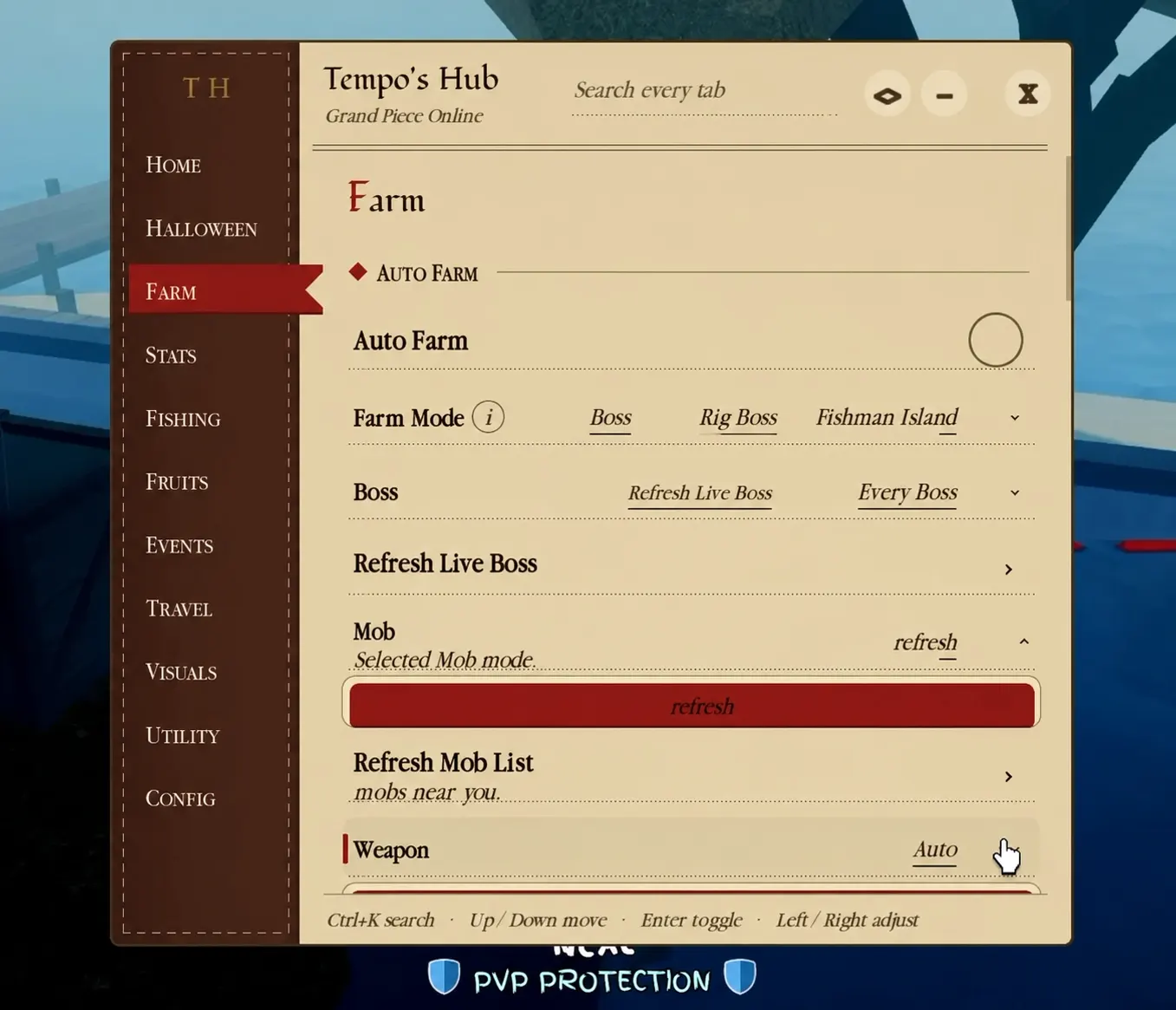
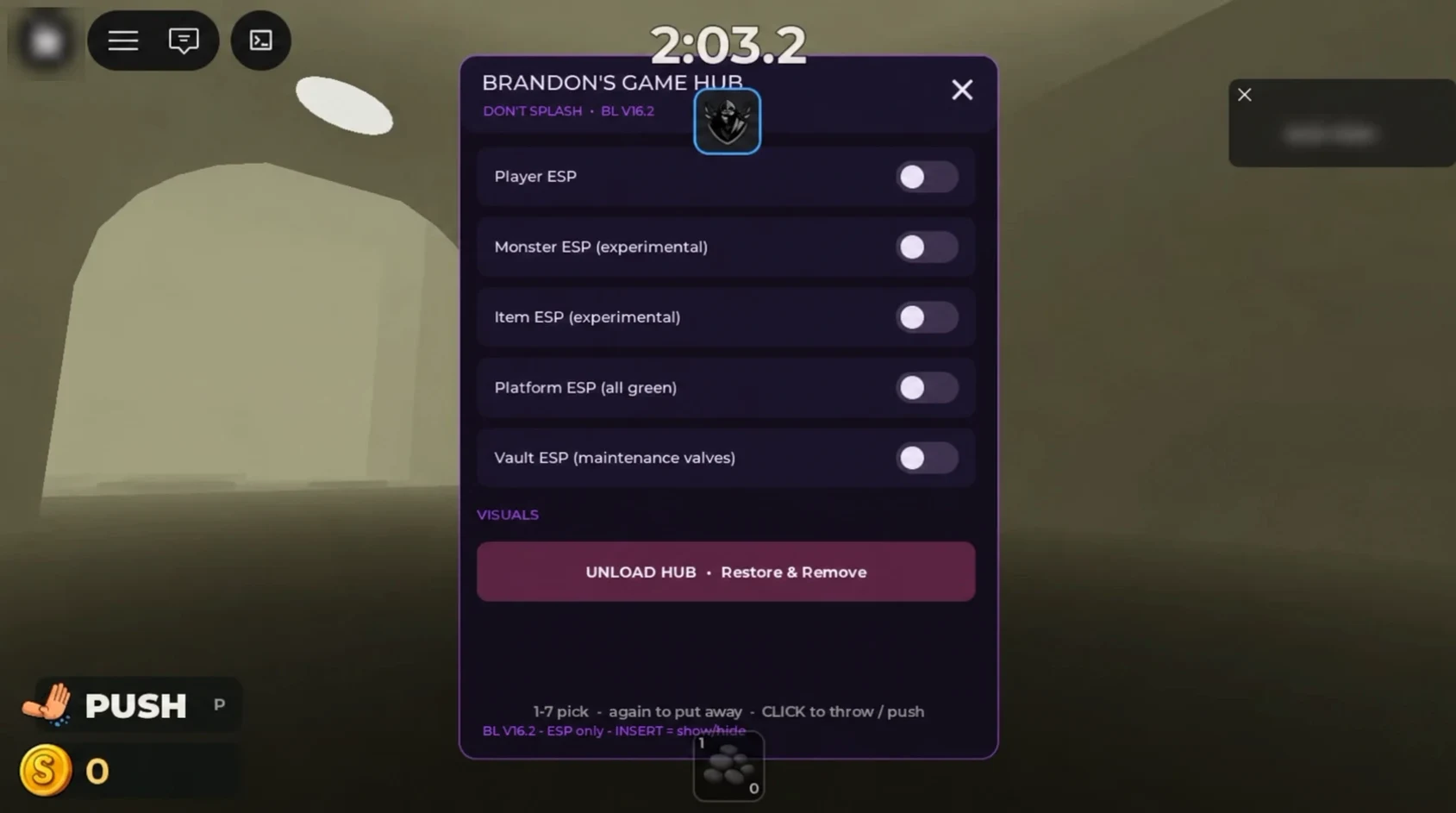
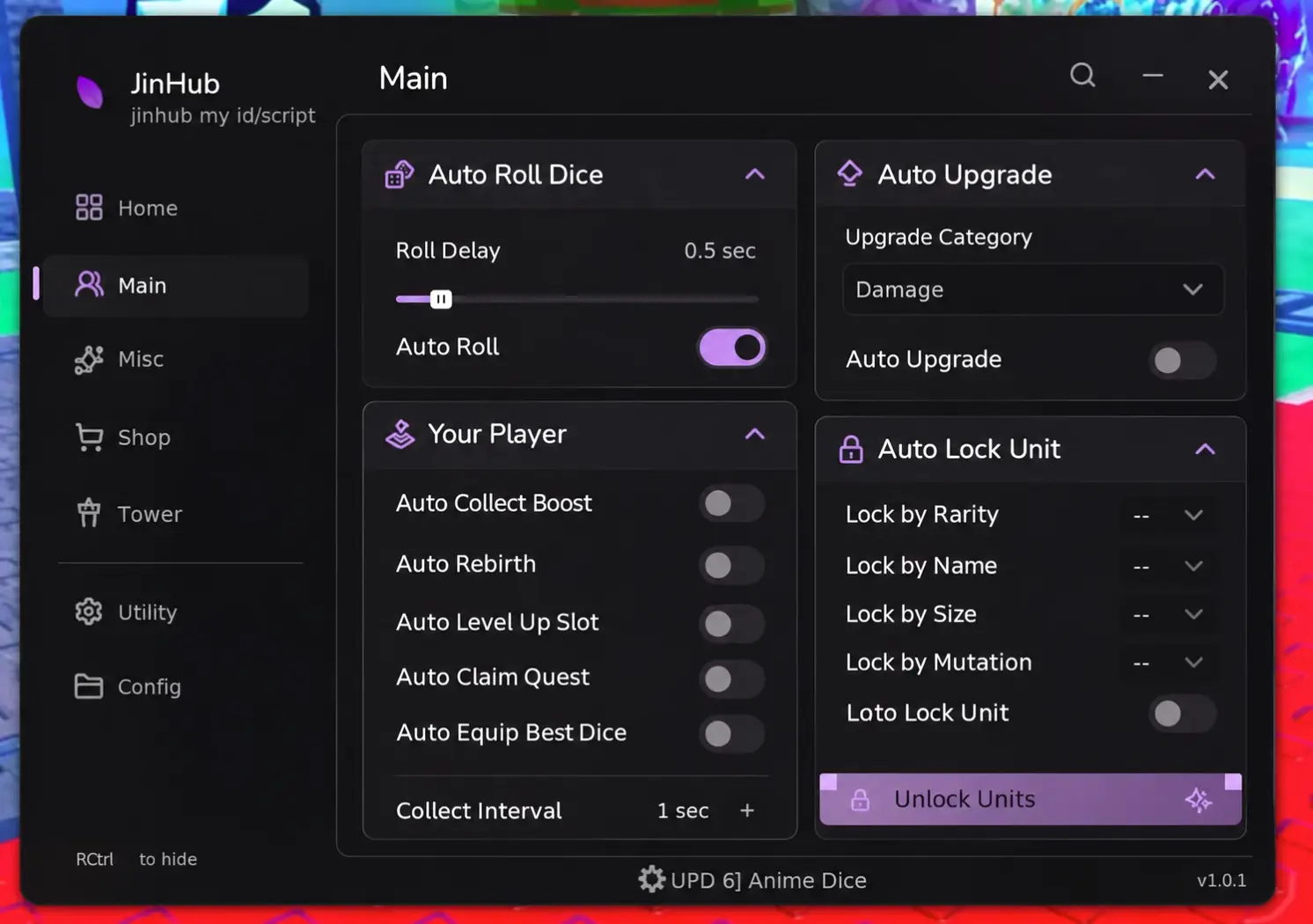
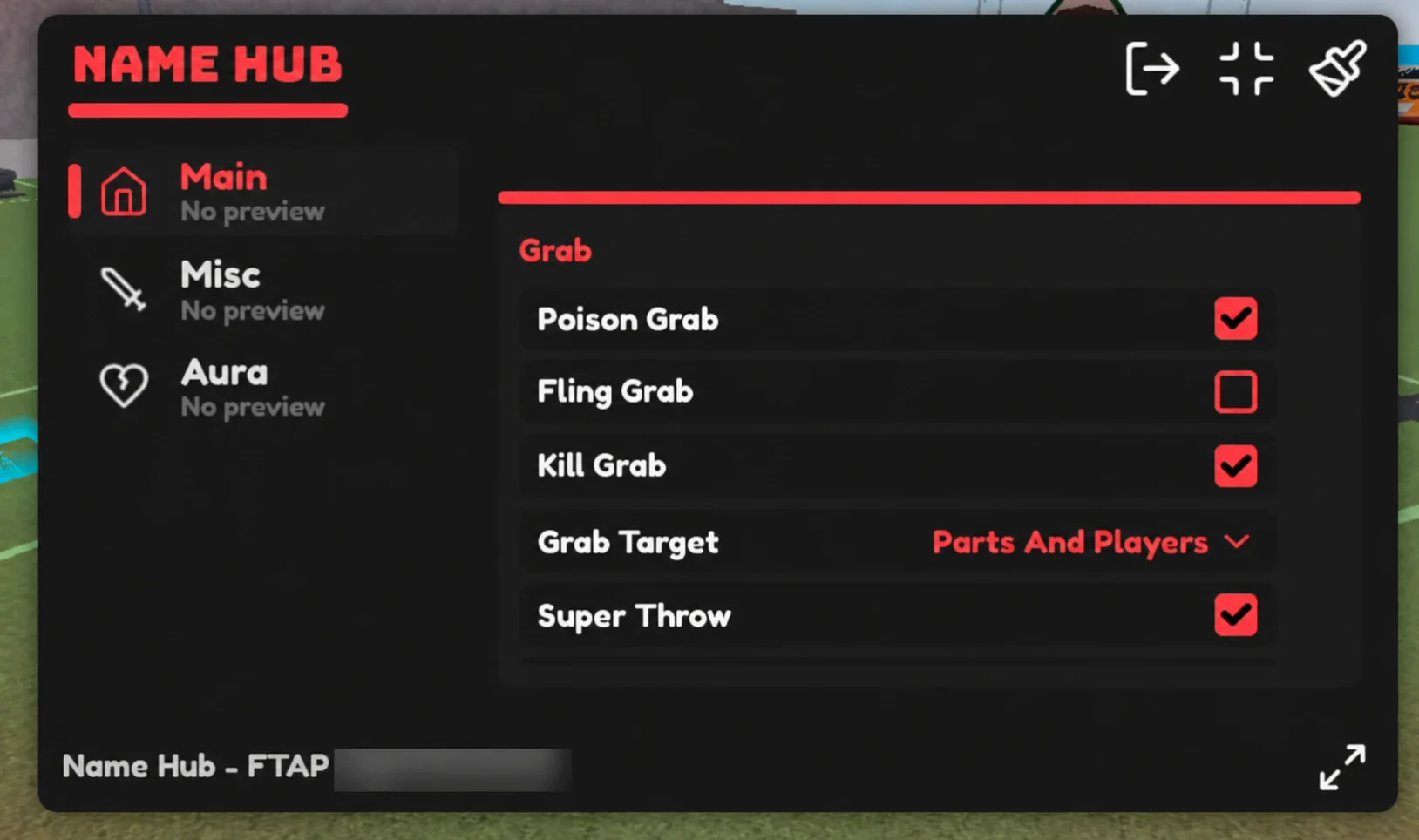
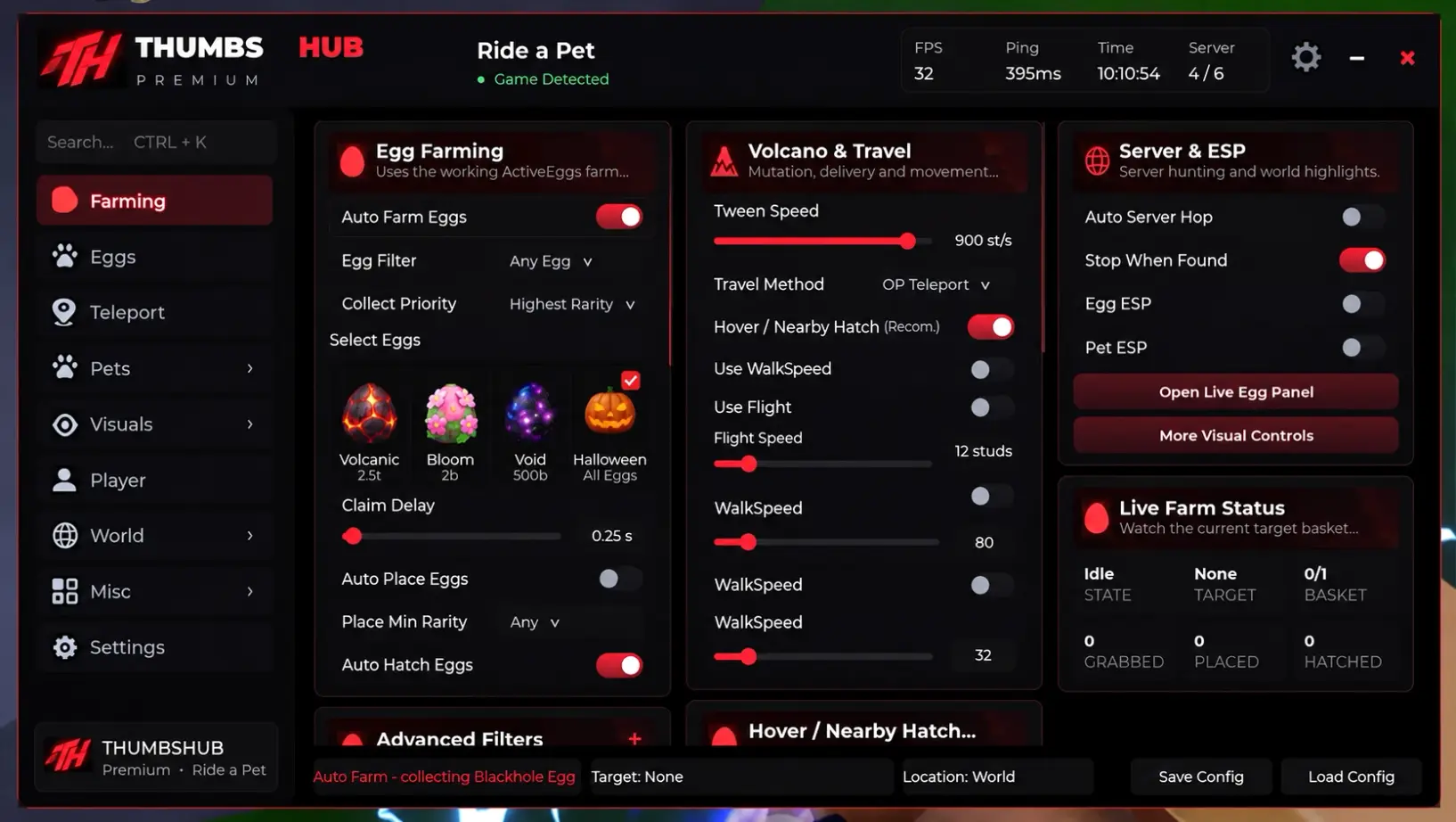
-- hello.lua
local message = "Hello, Roblox!"
print(message)Before you download
Check the script features, Lua code and key requirements before downloading.
- Lua script
- The Lua source: read it, compare it, copy it.
- Access key
- An access requirement stated by the source.
Most downloaded
Ranked by completed Lua downloads, across all languages.
- 01
Find your game
Start with its name or browse the game collections.
- 02
Compare the entries
Look at features, key requirements and community reviews.
- 03
Explore the source
Open a script to read the full Lua, copy it or save its file.
Scripts, keys and downloads
Short chapters about code, tools and the details that matter. Open the topic you need.
HelpExplore Lua entries by game, read the available code and compare the information behind each listing. SCRIPT/RBX brings game collections, executor profiles and practical reading guides together in one independent catalog.
Start with the right game
A game name is the most useful starting point because a script entry is meaningful only in its stated context. Search the name or a familiar alias, open the game collection and read the individual entries. Similar names do not establish that two experiences are interchangeable. A sequel, a remake and a different experience using a common word can require different information. The catalog therefore keeps game collections separate and uses the actual game associations supplied with each entry.
An empty search result means that no matching published collection is available in the current language. It does not prove that a game has no scripts anywhere else. Try a shorter name, remove a feature filter or use a recognised alias. The absence of a collection is preferable to a page filled with invented entries.
Read an entry before comparing it
Begin with the description, then compare the feature labels and the full visible code. A label is a reported characteristic, not evidence that a function was independently tested. Two entries may describe similar goals while exposing different source text, requirements or external dependencies. Read each separately. A prominently placed card is an editorial priority; it is not a hidden download chart or a promise that the entry works better than others.
Keep the exact entry name or its page anchor when sharing a question. A game collection may contain several scripts, so a report that only says the game is broken is difficult to investigate. A precise reference lets an editor check the same record you saw.
Script, executor and key are different things
A script is source text. An executor is a separate third-party tool described in its own profile. A key requirement is an access condition reported for a particular entry or tool. These concepts should not be treated as interchangeable. A script described as requiring no key says nothing by itself about an executor's access process, operating system or current version. Likewise, the presence of an executor profile does not establish that it supports every script listed on the site.
Use explicit relationships on the page to find related profiles. If a relationship is absent, do not infer compatibility from a shared name, a screenshot or a comment about another entry.
Compare the details that are actually present
A useful comparison starts with a concrete question: which game does this entry name, what features are described, and is readable code present? Missing fields should remain missing rather than becoming an assumed yes. A working label can express a source report, while an update time can indicate when information was received. Neither alone proves a fresh execution test on your device. If a field matters to your decision and the page does not answer it, treat it as unconfirmed.
Feature searches help narrow a collection, but they do not change the underlying identity of an entry. Clear filters when you want to review the full collection again. Avoid comparing numbers taken from different targets or different versions as though they measured the same thing.
Read executor profiles as separate records
Executor profiles organise the name, platform information, version and other details available from the source. Platform names are displayed only when supplied. A missing version should not become a claim that the tool is the newest release. Instructions included in a profile belong to that source; the catalog does not independently certify the software by displaying them. Check which record you are reading before following any external link.
An available link can lead away from SCRIPT/RBX. The waiting page identifies the destination host before you choose to continue. The host is useful context, but it is not an assurance about the contents of a downloaded program. Do not provide account credentials or disable device protection in response to an untrusted request.
Copy and Lua download serve different purposes
Each script has its own page. Copy and Download on that page refer to the same Lua entry. Open a game collection to compare cards, then open the script you need. Download binds that script and its current code revision; another card cannot silently replace it. Saving a Lua file does not run it.
Open the script page and check its title before downloading.
What happens during the waiting page
The download route introduces a fifteen-second wait and identifies the selected item. The server checks readiness; changing a number in the browser does not make the file ready earlier. Keep the same waiting page open and use the continue or check button when it is ready. A refresh should retain the original valid wait rather than silently selecting a different item. You can also use the server form when JavaScript is unavailable.
If the source entry, code or approved destination changes during the wait, restart from the collection or profile. This protects you from receiving a different result under an old selection. An expired or unavailable request should be treated as unavailable, not as a reason to try unrelated download links.
Understand missing information
A catalog depends on both accepted source information and editorial preparation. A collection can remain unavailable while its text is being reviewed, even if a name has appeared in a source feed. Conversely, editorial prose cannot make a missing script or download link exist. The site keeps these responsibilities separate so that a polished article does not imply a populated collection or an independently verified result.
If the catalog is empty, the page should explain that there are no published entries to display. It should not substitute example ratings, invented version numbers or made-up popular items. You can still read the guides, contact the editor and return when real material is available.
Reviews describe a particular target
A review applies to the selected script entry or executor, not automatically to every item within the same game. Choose the target carefully and describe what you observed in plain language. Helpful details include the displayed version, the date of your observation and which description was unclear. Do not include passwords, session cookies, access tokens, private messages or personal information about somebody else.
New submissions are held for moderation. They do not contribute to a public score before approval. Published reviews retain their original language, even when the surrounding interface is translated. A small number of comments is a small sample of experiences, not a guarantee about future behaviour.
Use languages without losing context
The catalog has English, Brazilian Portuguese, Russian, Spanish, Vietnamese and Indonesian interfaces. A language switch should take you to the equivalent available collection or profile. Brand names, source identifiers and Lua code stay unchanged. Translated surrounding text helps explain the same entry; it should not create a new software version or make an unsupported claim about compatibility.
A missing translation is an editorial gap. It should not be hidden by showing English paragraphs under another language label. When reporting wording, include the language and page address so the editor can correct the appropriate version without changing unrelated material.
Recognise the limits of catalog information
SCRIPT/RBX does not run Lua in your browser, scan your device or request your Roblox password. Reading a listing is not an endorsement by Roblox or the creator of a game. Unofficial scripts and executors can violate platform or game rules. Roblox's own guidance warns about cheating, account consequences and malicious downloads. Check the applicable rules directly before making a decision; the presence of a catalog entry does not override them.
Be cautious with claims of guaranteed rewards, duplicated items, universal compatibility or immunity from enforcement. A useful description explains a source claim and its limits. It does not convert uncertainty into a promise or provide instructions for bypassing protections.
Keep useful references and report changes
When a description, source link or translation appears wrong, send the page address and identify the precise entry. Explain the expected wording and what you observed instead. For a link problem, the visible destination host and an approximate time can help; do not send authentication tokens or browser cookies. Reports help an editor locate the issue, but publication and correction require review.
For rights or review-removal requests, use the contact details on this site and identify the material involved. Keep a copy of the reference for your own follow-up. The most useful catalog is one where uncertain details remain visible as uncertain and corrections improve the record instead of producing unsupported claims.
A quick guide to the terms
| Term | What it means here |
|---|---|
| Script | Lua source text associated with one or more stated games. |
| Executor | A separate tool with its own profile and reported requirements. |
| Key | A reported access requirement; it is not a Roblox account password. |
| Game collection | Related entries gathered on one editorial game page. |
Read a collection in five steps
- Find the exact game and confirm the collection name.
- Read each relevant entry and its reported features.
- Check the full code and any explicit related executor information.
- Open the script page and check its title before downloading.
- Keep the entry reference when asking a question or writing a review.
How to interpret common signals
| Signal | Useful interpretation |
|---|---|
| Selected script | The Lua file on the script page. |
| Updated information | A data update, not necessarily a successful execution test. |
| No reviews yet | No approved public reviews for this specific target. |
| Unavailable download | No current eligible file or approved destination is available. |
Before using an external resource
- Keep passwords, session cookies and access tokens private.
- Check the visible destination host before leaving the catalog.
- Keep browser and operating-system protections enabled.
- Treat missing platform or version information as unconfirmed.
- Read the platform and game rules; a listing does not grant permission.
Frequently asked questions
Does an entry guarantee that a script works?
No. Descriptions and status fields report available source information. They are not a guarantee of execution, safety, compatibility or protection from account restrictions.
Can I download a specific script?
Each script has its own page. Copy and Download on that page refer to the same Lua entry. Open a game collection to compare cards, then open the script you need. Download binds that script and its current code revision; another card cannot silently replace it. Saving a Lua file does not run it.
Can I use the catalog without accepting optional cookies?
Yes. Choosing necessary cookies only keeps the core catalog, language navigation, code viewing, review form and download process available.
Why is my review missing?
New reviews wait for moderation. Only approved reviews become public and contribute to displayed ratings. Avoid submitting the same review repeatedly.
Does no key mean that every requirement is removed?
No. It describes a reported access condition of the named entry. It does not establish platform support, permission under game rules or the requirements of another tool.
What should I do when a download becomes unavailable?
Return to the game or executor profile and check its current state. If the source changed, start a new request. Report a persistent issue with the page address and entry name.